Divi Life
  • Divi Child Themes
  • Divi Plugins
  • Divi Courses
  • Divi Layouts
  • All Access Pass
  • Blog
  • Divi Store
    • Checkout
    • My Account
    • Product Docs
    • Get Support
Select Page
How to Style Your Divi Mega Menu for a Better User Experience

How to Style Your Divi Mega Menu for a Better User Experience

by Tim Strifler | Dec 17, 2024 | Divi Tutorials | 0 comments

How to Style Your Divi Mega Menu for a Better User Experience A mega menu is a large drop-down menu that not only displays many options organized into categories but can also include interactive elements like login forms, shopping carts, or calls-to-action. It’s...
Unleash the Power of Divi Menu Cart: From Basics to Advanced

Unleash the Power of Divi Menu Cart: From Basics to Advanced

by Tim Strifler | Dec 13, 2024 | Divi Tutorials | 0 comments

Unleash the Power of Divi Menu Cart: From Basics to Advanced Optimizing your menu cart is nothing less than essential – tasty visuals can help engagement, and a well-crafted cart drives sales. Think of carts as a ‘silent salesperson’, integrating with your site’s...
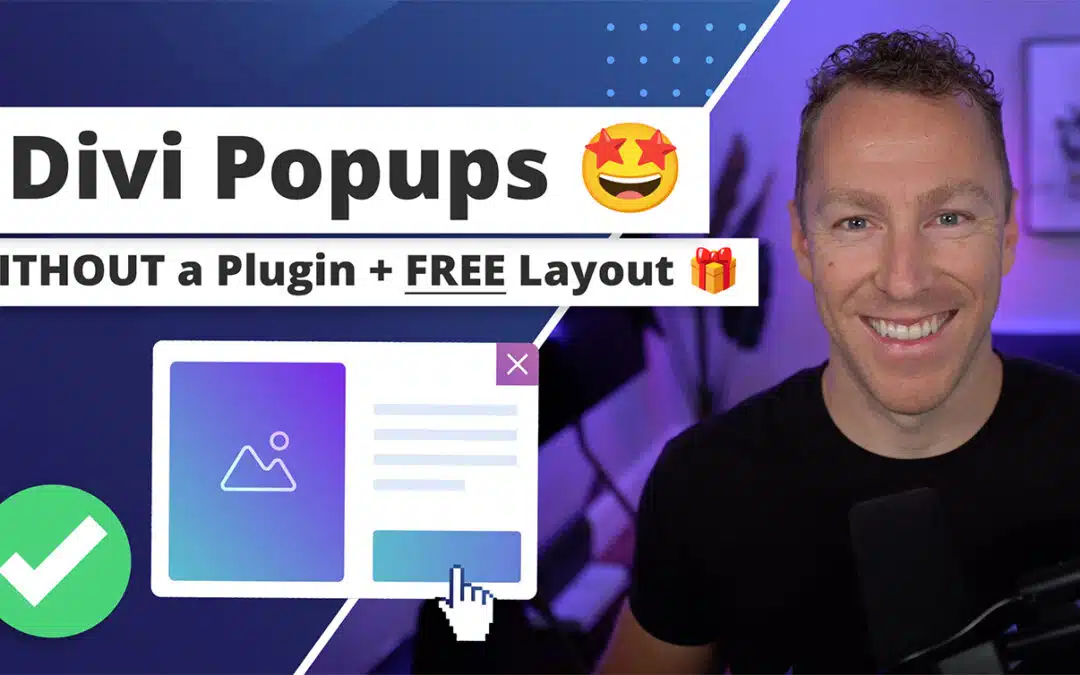
Divi Popup Creation: A Step-by-Step Tutorial

Divi Popup Creation: A Step-by-Step Tutorial

by Tim Strifler | Dec 12, 2024 | Divi Tutorials | 0 comments

Divi Popup Creation: A Step-by-Step Tutorial Looking to create engaging and effective popups for your Divi-powered website? Then come on in, as we have the perfect guide for you!  Click Here to see the popup we’ll be creating in this tutorial! Pretty slick huh?...
Step-by-Step Guide to Crafting Stunning Divi Timelines

Step-by-Step Guide to Crafting Stunning Divi Timelines

by Tim Strifler | Dec 10, 2024 | Divi Tutorials | 0 comments

Step-by-Step Guide to Crafting Stunning Divi Timelines Hey, it’s high time we talked about timelines! A super-handy way to tell your brand’s story, detail project milestones, or condense a portfolio into a visual delight, timelines are a great way to give the user...
How to Create a Promo/Notification Bar in Divi

How to Create a Promo/Notification Bar in Divi

by Tim Strifler | Nov 19, 2024 | Divi Tutorials | 246 comments

How to Create a Promo/Notification Bar in Divi UPDATE— We’ve now launched Divi Bars— the feature-rich plugin version of this tutorial with LOADS of features & templates! Divi Bars allows you to easily create gorgeous promo bars using the Divi Builder and all...
10 Shockingly Good Divi Blurb Hover Effects to Try Today

10 Shockingly Good Divi Blurb Hover Effects to Try Today

by Tim Strifler | Nov 13, 2024 | Divi Tutorials | 0 comments

10 Shockingly Good Divi Blurb Hover Effects to Try Today Imagine transforming a mundane Divi blurb into an interactive masterpiece that captures your visitors’ hearts and keeps them onsite for longer! Well, imagine no longer, as we’re going to cover 10 eye-catching...

« Older Entries
Next Entries »

Recent Posts

  • Divi Site Running Slow? Remove Unused CSS Today
  • Practical Methods to Equalize Divi Column Heights
  • Divi Blog Post Templates to Customize for Your Niche
  • Implementing Sticky Sidebars in Divi (No code and CSS options)
  • How to Use Divi Conditional Logic for Dynamic Web Experiences

Subscribe to the Divi Life Email List

You are now subscribed to Divi Life!

Subscribe Now

  • Follow
  • Follow

About Divi Life

Divi Life is independently owned and operated by Tim Strifler, and aims to provide Divi-specific Tutorials & products for the thriving Divi Community. Divi Life is not sponsored by Elegant Themes, & Divi & Elegant Themes are registered trademarks of Elegant Themes, Inc.

Company

  • Divi Tutorials + Blog
  • Affiliate Program
  • Hire Tim
  • Terms & Conditions
  • Privacy Policy
  • Divi Child Theme Guide
  • Divi Life Reviews
  • Divi 5

Marketplace

  • Divi Popup
  • Divi Mega Menu
  • Divi Child Themes
  • Divi Plugins
  • Divi Modules
  • Shop Divi Marketplace
  • Customer Portal + Support
  • Product Documentation

Trusted Seller

Trustpilot
© 2026 Divi Life — Tim Strifler, LLC

Have a Question?

 
  • This is for pre-sales questions only. If you're a product owner, please open a ticket.

  • This field is for validation purposes and should be left unchanged.